

QD Guy Game
A C++ and x86 Assembly game built to understand the machinery beneath a playable experience.
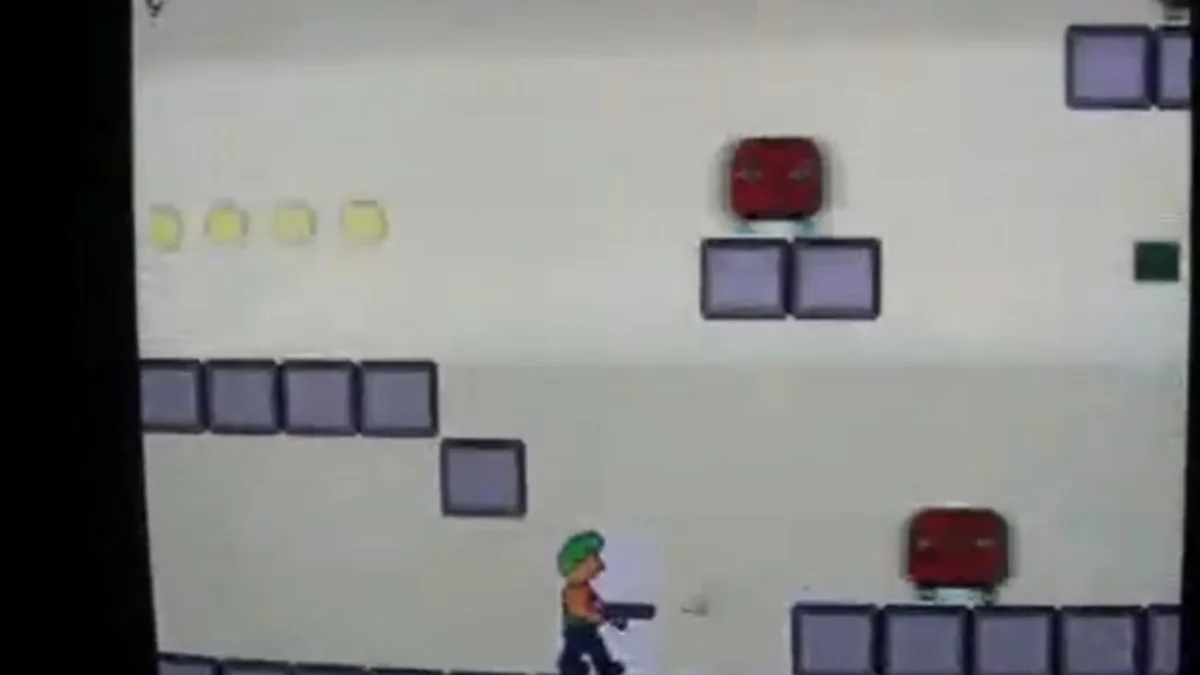
What I built to learn it
The supporting systems mattered as much as the game.
That early desire to see below the abstraction still shows up in today’s work: understand the constraints precisely, own the awkward integration points, and build only the machinery the problem actually needs.
- 01C++ and x86 Assembly tooling
- 02Virtual-screen and VGA graphics
- 03Keyboard and mouse input
- 04Sprites, animation, timing, and gameplay
- 05Sprite-editor workflow
Evidence and provenance
The local 2005 project tree preserves readable graphics and game modules, project metadata, sprite data, compiled artifacts, and editor/game executables. Some original source modules are no longer readable, so this page limits detailed claims to surviving material and confirmed authorship.
Historical captures
At a glance
- Role
- Independent game and tools developer
- Sector
- Early systems and game development
- Constraints
- DOS-era graphics, direct input handling, and building the supporting tools from scratch
- Stack
- C++ · x86 Assembly · DJGPP · DOS/VGA graphics · Keyboard and mouse input
- Result
- A playable 2005 project and demonstration that document an early commitment to learning systems deeply enough to build the supporting pieces when no higher-level shortcut would do.
Context to result
The solution followed the shape of the problem.
A compact project map showing what constrained the work, what changed, and the useful outcome.
DOS-era graphics, direct input handling, and building the supporting tools from scratch
Built QD Guy from the ground up with C++ and x86 Assembly-era tooling, including the game engine, graphics, keyboard and mouse libraries, sprite handling, and a sprite editor. The surviving source demonstrates virtual-screen and VGA work alongside game-specific character, timing, animation, and input components.
A playable 2005 project and demonstration that document an early commitment to learning systems deeply enough to build the supporting pieces when no higher-level shortcut would do.
01 · Context
What was getting in the way
QD Guy Game—named as a play on QD DOS—began as a challenge from my brother, who said I could not make a game. At the time, all I had managed was a green dot rendered by writing directly to video memory. Built when I was 16 years old, it was deliberately a quick-and-dirty proof of concept: I was focused on getting a playable game working with the bare minimum, not polishing a complete product. Some surviving sprites are therefore not even fully coloured. The project helped support my acceptance to study Computer Science at Dominica State College.
02 · Decision
What changed and why
Built QD Guy from the ground up with C++ and x86 Assembly-era tooling, including the game engine, graphics, keyboard and mouse libraries, sprite handling, and a sprite editor. The surviving source demonstrates virtual-screen and VGA work alongside game-specific character, timing, animation, and input components.
03 · Evidence
A playable 2005 project and demonstration that document an early commitment to learning systems deeply enough to build the supporting pieces when no higher-level shortcut would do.
Technology used
- C++
- x86 Assembly
- DJGPP
- DOS/VGA graphics
- Keyboard and mouse input
Explore the product
More work
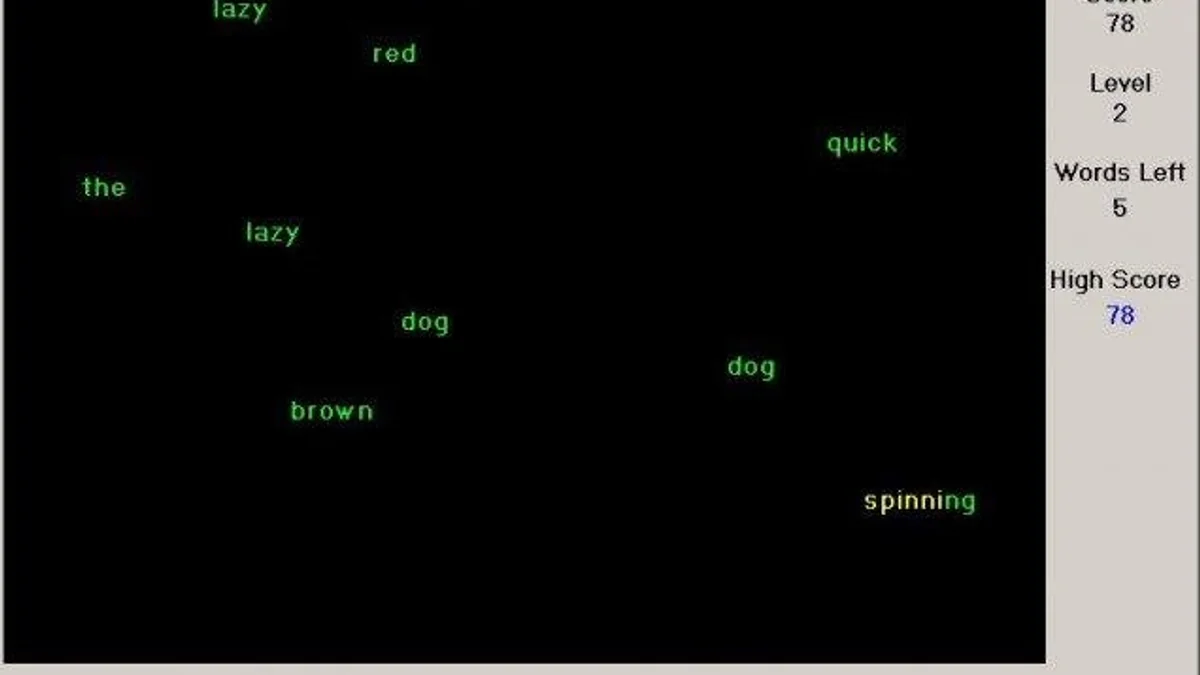
Zappers
A Delphi 7 typing game built on reusable Windows graphics and keyboard-input libraries.
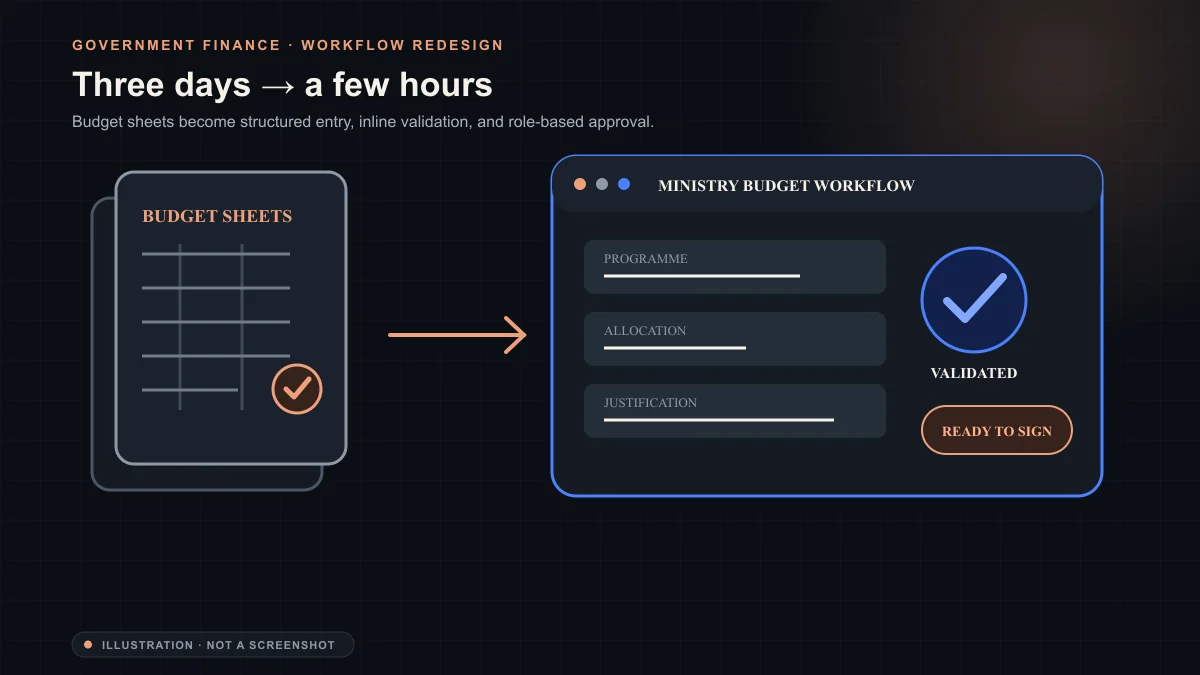
GOCD Budget Web Application
Reduced the ministry budget import, reporting, and printing stage from three days to a few hours.
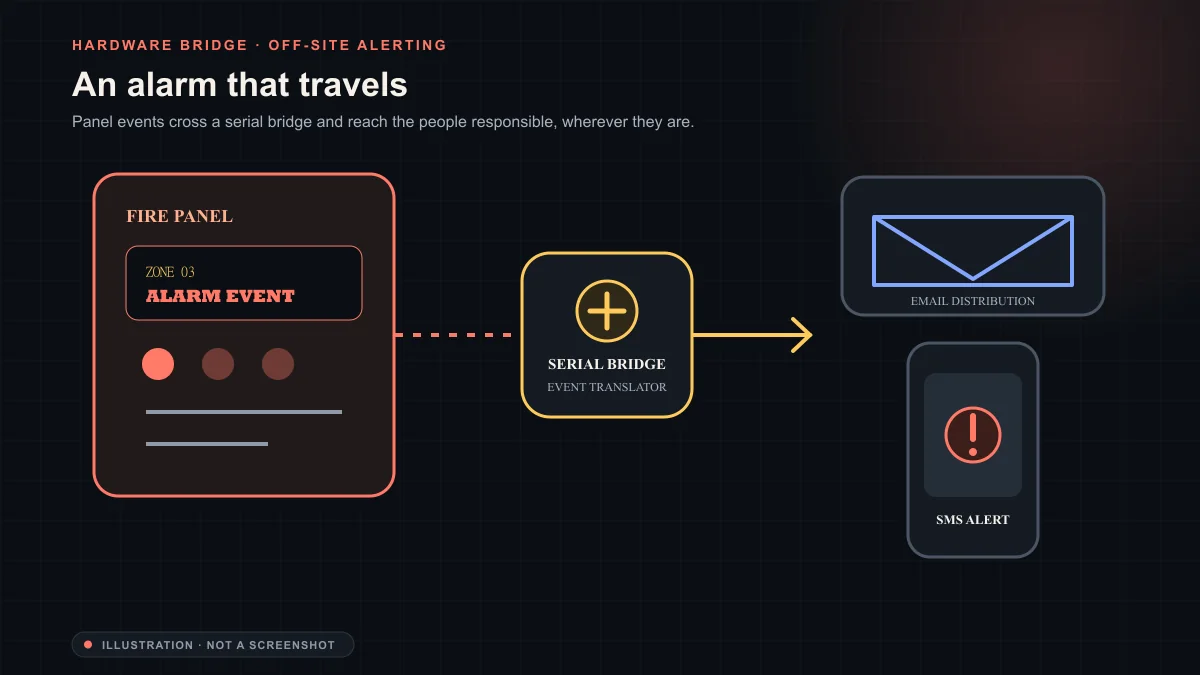
Fire Alarm Panel Alert Emailer
Serial/COM bridge to a Honeywell fire alarm panel, pushing email and SMS alerts to off-site staff.
Your version of the problem
Have a workflow that has outgrown the workaround?
Show me where the process slows, repeats, or loses information. We can shape the right intervention from there.
Describe the workflow